"Download invoice" sounds like a small ticket.
The DUBTEL AI portal needed a billing page: a list of invoices, a detail view, and a Download PDF button. The invoice had to match the design, with the tenant's real logo, an address block, and line items.
It took four attempts in one day. Each attempt taught me something about where PDFs should be made.
Attempt 1: screenshot the page with html2canvas
The quickest route: render the invoice as HTML, capture it with html2canvas, and put the image into a PDF.
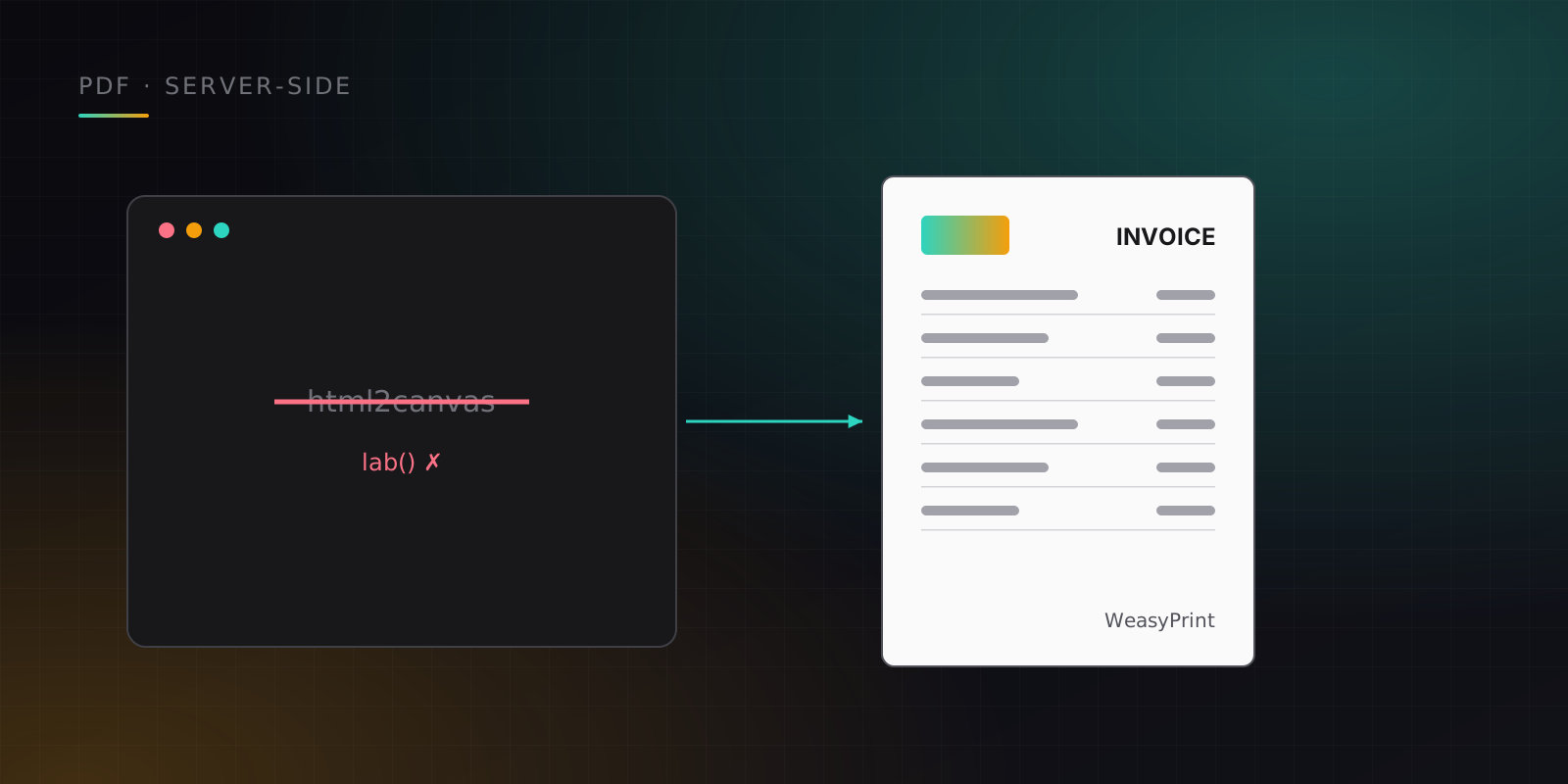
It failed with a colour parse error. The portal uses Tailwind CSS v4, whose default palette is defined in modern colour spaces, and html2canvas can't parse them. It hit a lab() value and gave up.
Attempt 2: draw it with jsPDF
To avoid CSS parsing entirely, I drew the invoice with jsPDF's drawing API: text, lines, rectangles, and the logo placed by coordinates. That worked, but now the design lived in two places, the React component on screen and a list of coordinates in the PDF code. Every design change would have to be made twice.
Attempt 3: isolate the styles
Next I tried rendering the invoice in a hidden element with inline styles, then in an isolated iframe, so html2canvas never saw Tailwind's colours. It produced a pixel-perfect PDF. It was also clearly a workaround for a browser library's limits.
Attempt 4: ask the server
The final version doesn't generate anything in the browser. The Download button calls a server endpoint that returns the PDF, and the browser saves the file. No print dialog, no colour parsing, one source of truth for the layout.
On the Python side, both backends I work on render invoices with WeasyPrint, which turns HTML and CSS into a PDF on the server. It has its own quirks:
- Flexbox support is limited. The first layout came out wrong. A table-based layout renders reliably, so invoice layouts use tables.
- Dependencies need pinning. WeasyPrint 62.3 broke with a newer version of its PDF library
pydyf. Pinningpydyf==0.10.0fixed it. - Assets need care. The default logo is embedded from static files, so rendering doesn't depend on a network fetch.
- Container images need system libraries. WeasyPrint relies on native libraries, and one base-image update needed a compatibility fix before builds worked again.
Why the server wins
- The data is already there. The server has the invoice, the tenant, and the logo. The browser has to fetch them and then fight its own renderer.
- One layout. An HTML template on the server is the single definition of what an invoice looks like.
- Same output everywhere. Server rendering doesn't depend on the user's browser, fonts, or screen size.
- It's reusable. The same endpoint can back a download button, an email attachment, or an admin tool.
The takeaway
Browser-side PDF libraries are fine for quick exports of simple content. For documents that must match a design and look identical for every user, like invoices, receipts, and certificates, generate them on the server and let the browser download a file. I'd start there next time instead of arriving there after three detours.

Henry Iddirisu
AI product engineer · Accra, Ghana · Remote